IMAGE EDITING SERVICE

Image Masking Services — Perfect Edges for Complex Images

Professional Photoshop masking for hair, fur, soft edges and detailed subjects. We preserve natural contours and fine strands so your cut-outs look clean, realistic and ready for creative use.

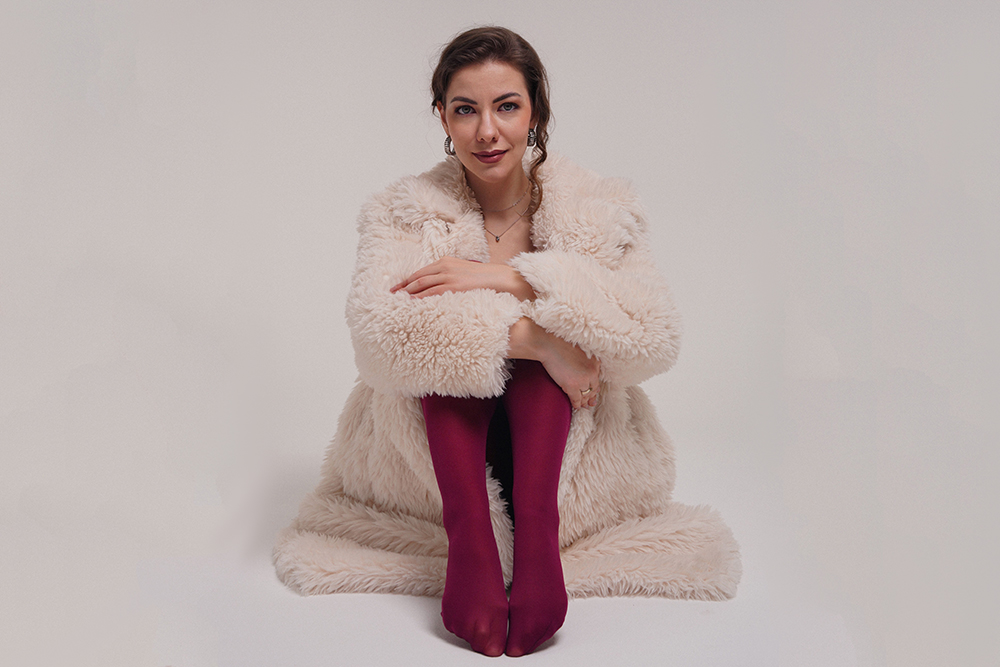
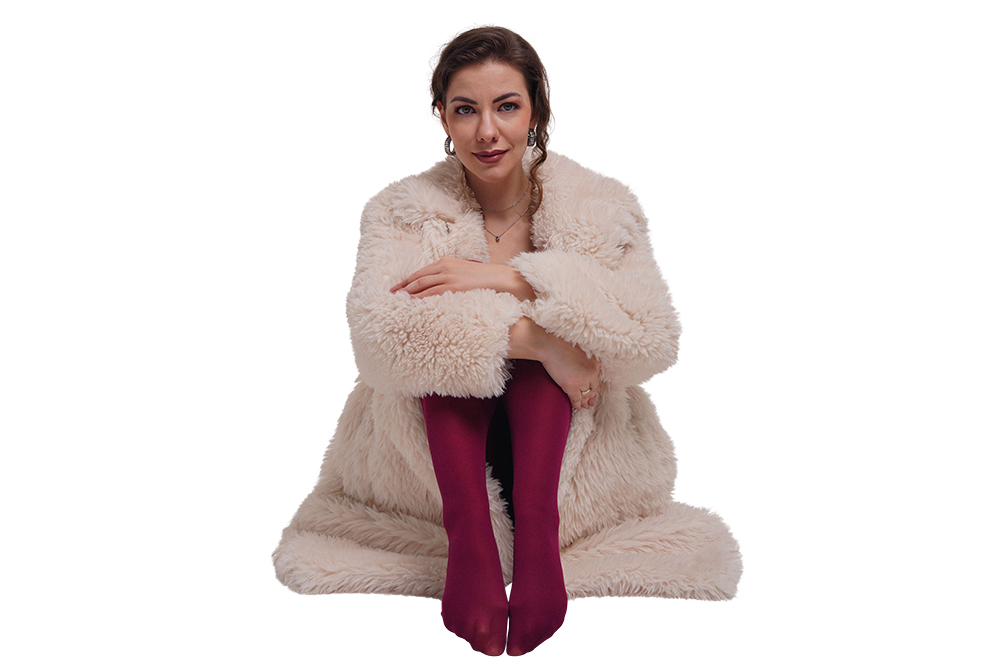
Professional fur image masking result
Hair & fur • Fine edges • Natural detail

Professional Image Masking for Difficult Edges

When a simple clipping path cannot capture every strand and soft contour, image masking gives you the control needed for natural-looking results. Our masking workflow is built for fashion, beauty, portraits, product photography and creative composites.

01

Hair & Fur Masking

Fine strands, curls and fluffy textures are isolated carefully without making the subject look cut out.

02

Complex Edge Control

Detailed masks preserve irregular contours, soft transitions and difficult subject boundaries.

03

Natural Cut-Outs

Clean selections with realistic edges that blend smoothly into new backgrounds and layouts.

04

Production Ready

High-resolution masked images prepared for e-commerce, advertising, catalogs and creative design.

See Our Image Masking Work

Drag the slider from left to right to compare each original image with the finished masking result.

Fur image before maskingFur image after maskingBEFOREAFTER
↔

Fur Masking — Soft & Textured Edges

Detailed masking around fluffy fur while keeping the soft texture and natural outer silhouette intact.

Drag the handle to compare
Group hair image before maskingGroup hair image after maskingBEFOREAFTER
↔

Group Hair Masking — Multiple Subjects

Complex hair outlines across multiple people are separated cleanly for flexible background replacement and design.
Drag the handle to compare
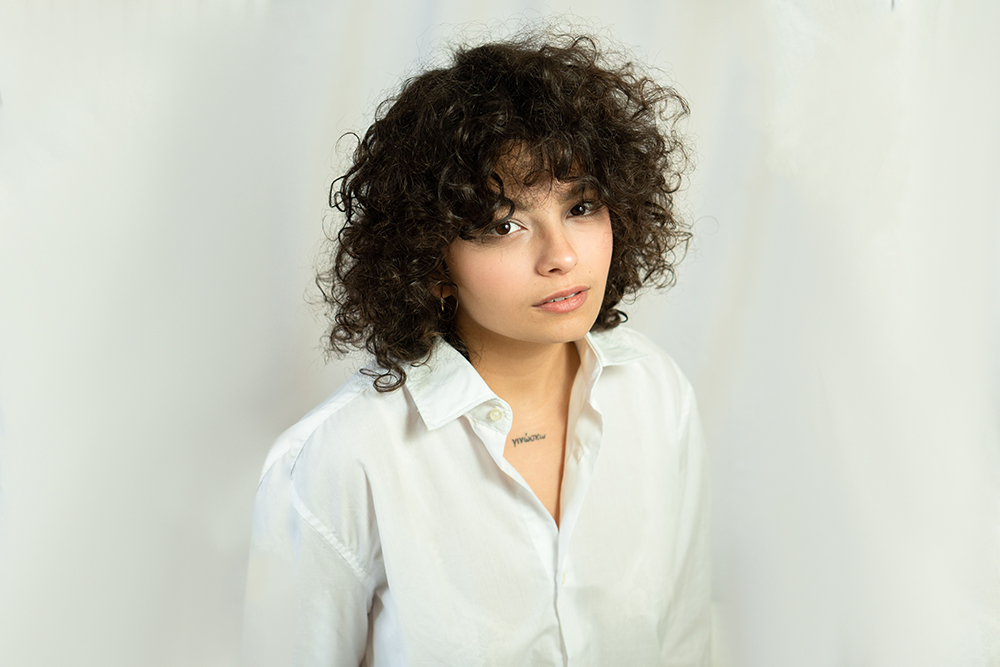
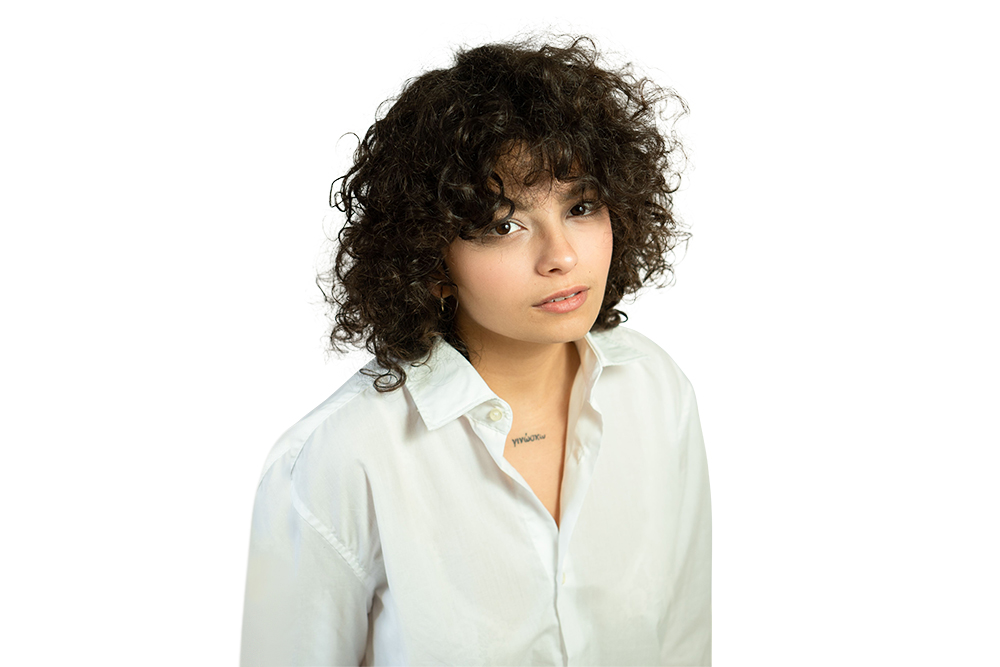
Curly hair image before maskingCurly hair image after maskingBEFOREAFTER
↔

Hair Masking — Fine Curls & Strands

Individual curls and wispy hair details are retained for a believable, professional subject extraction.

Drag the handle to compare

Why Choose EditPixel Studio?

We treat image masking as a detail-focused process. Instead of relying on a quick selection, we refine difficult edges so your final image remains natural after background replacement.

✓
Fine Edge PrecisionCareful masking for hair, fur, curls and other difficult contours.
✓
Natural DetailWe preserve soft transitions and fine strands instead of creating harsh outlines.
✓
Consistent QualityReliable masking standards across individual images and larger batches.
✓
Ready for DesignHigh-quality cut-outs suitable for catalogs, advertising and creative compositions.
Finished curly hair masking example

Frequently Asked Questions (FAQs)

Image masking is a Photoshop technique used to separate a subject from its background while preserving complex details such as hair, fur, feathers, soft edges and semi-transparent areas.
Masking is ideal when an image contains detailed or soft edges that are difficult to capture with a traditional vector clipping path, especially hair, fur, curls and irregular contours.
Yes. We refine the mask around fine strands and textured edges so the subject can be placed on a new background without looking unnaturally cut out.
Yes. Group portraits and team photographs can be masked with attention to each person's hair, clothing edges and overlapping contours.
Yes. Send your images and requirements through the quote form and request a sample or trial image before starting a larger project.

Need Professional Image Masking?

Send your images and requirements to our team. We can review the edge complexity, masking needs and expected output, then provide a suitable quotation for your project.

Request Free Trial